Installation Steps for Gambit
Check the step-by-step guide of our software.
Quick Installation Guide
1. Connect your CRM
To begin, connect Gambit to your HubSpot account. This integration allows us to access and process your contact and company properties to run them through our scoring algorithm for contact qualification.
Please note that your CRM data is not stored or utilized outside of this purpose. Our processes strictly adhere to HubSpot Partner Program policies and comply fully with GDPR regulations.
2. Run the scoring calculation
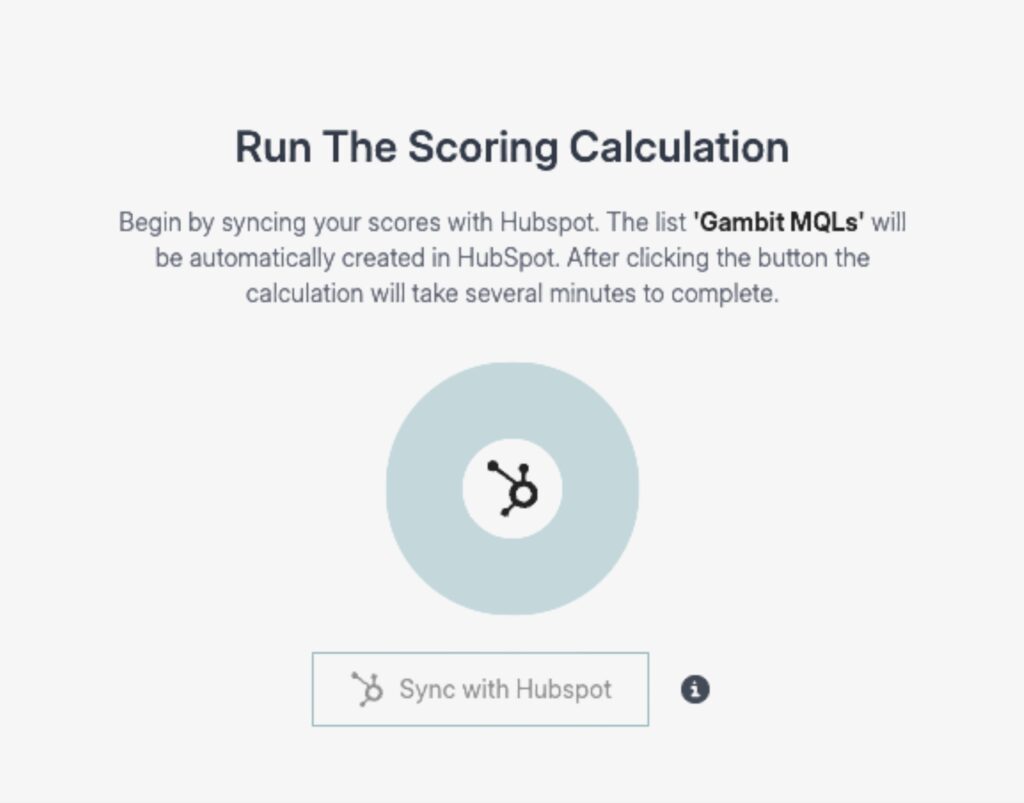
Under the menu tab lead scoring the scoring calculation will run your synced data against our scoring algorithm formula. Afterwards you will be able to see the results and validate your scoring before uploading it to HubSpot.
About the method:
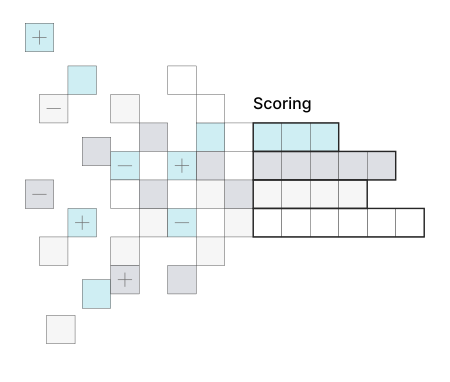
Scoring transforms the customer journey by evaluating a user’s positive and negative impacts on conversion potential. By analyzing individual property values on contact and company level, the algorithm calculates lead interest and fit, seamlessly updating these scores in HubSpot multiple times daily.
3. Upload scoring into HubSpot
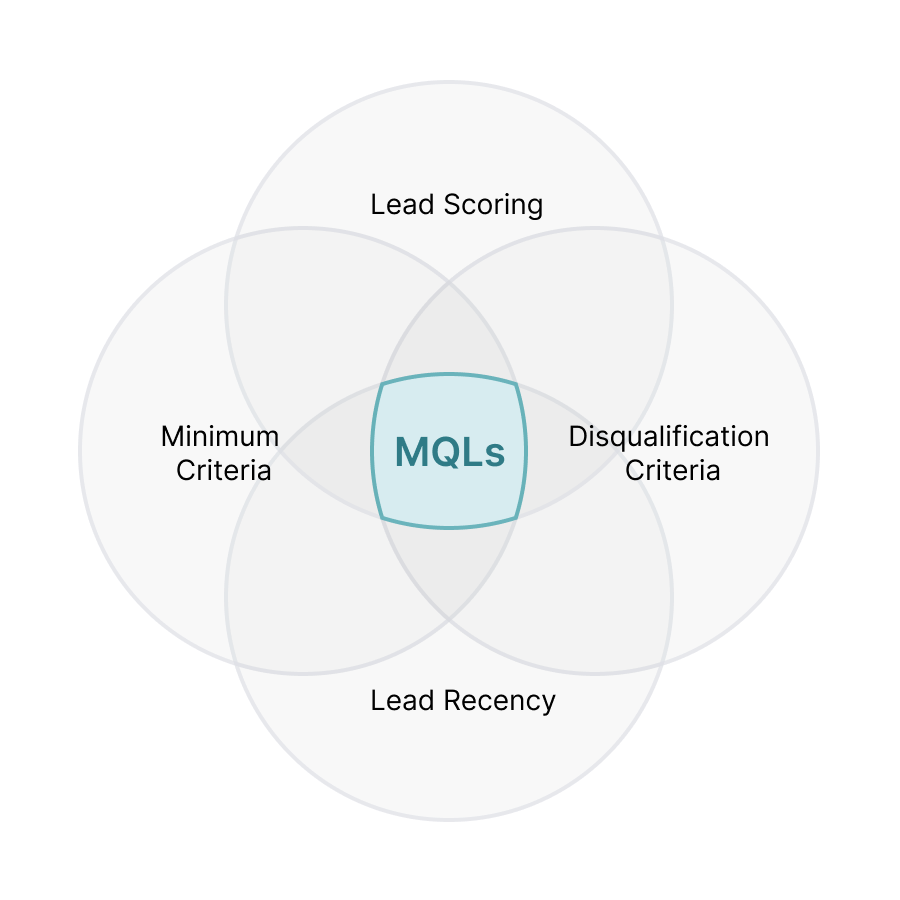
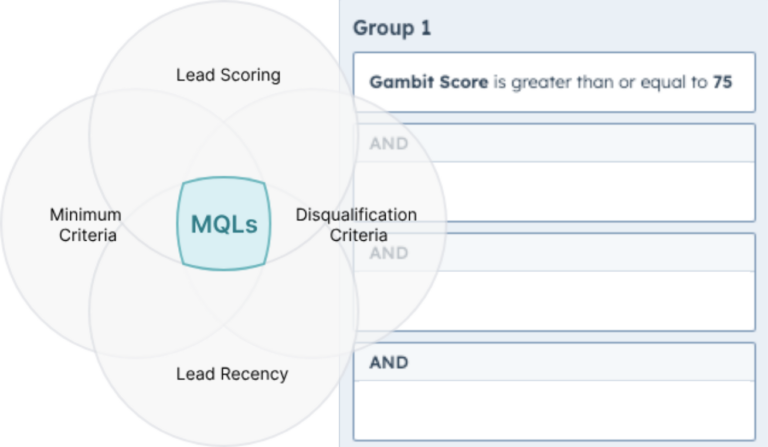
The HubSpot upload includes a gambit scoring property and the Gambit MQLs best practices HubSpot active list -which combines the gambit scoring with ideal client and time-based criteria.
Now you can utilize the gambit scoring property for filters, lists and reports or in terms for lead qualification use it combined with our other recommended filters in the Gambit MQLs list.
4. Automate lead activities
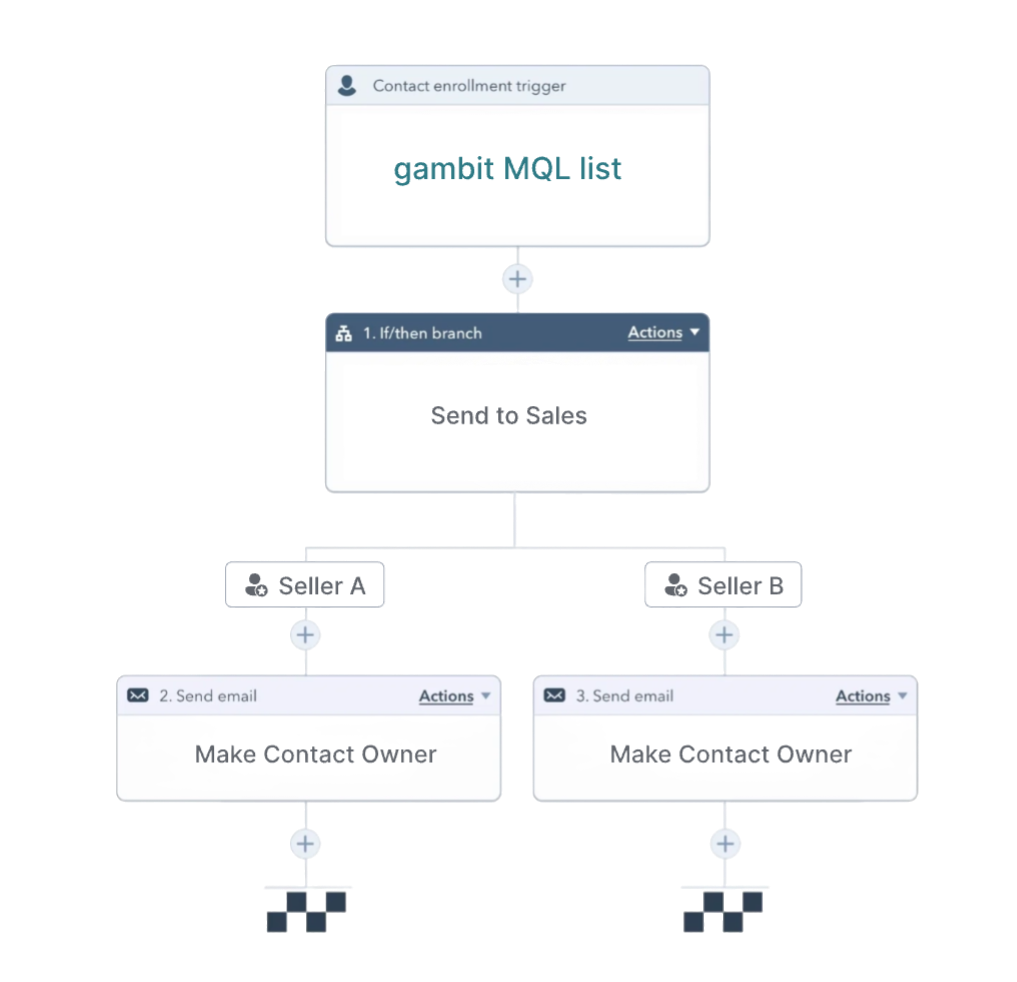
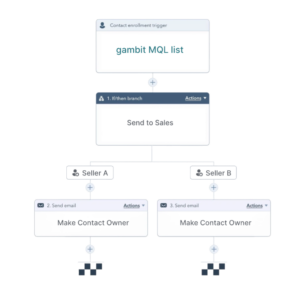
To follow the MQL example, the list can then be set as enrollment criteria for your lead routing workflow to sales. Here you can either use our list as the main criteria or use it as an additional, contributing channel to your existing process.
Feel free to reach out to us if you want to go further steps in your architecture here. Scoring can be underlined your lead management system.
1. Connect your CRM
To begin, connect Gambit to your HubSpot account. This integration allows us to access and process your contact and company properties to run them through our scoring algorithm for contact qualification.
Please note that your CRM data is not stored or utilized outside of this purpose. Our processes strictly adhere to HubSpot Partner Program policies and comply fully with GDPR regulations.
2. Run the Scoring Calculation
Under the menu tab lead scoring the scoring calculation will run your synced data against our scoring algorithm formula. Afterwards you will be able to see the results and validate your scoring before uploading it to HubSpot.
About the method:
Scoring transforms the customer journey by evaluating a user’s positive and negative impacts on conversion potential. By analyzing individual property values on contact and company level, the algorithm calculates lead interest and fit, seamlessly updating these scores in HubSpot multiple times daily.
3. Upload the scoring data into HubSpot
The HubSpot upload includes a ‘gambit scoring’ property and the ‘Gambit MQLs’ (Marketing Qualified Lead) best practices HubSpot active list -which combines the gambit scoring with ideal client (job title known, email known, etc) and time-based criteria (7 different time properties).
Outside of the list template for lead qualification you can utilize the gambit scoring property for HubSpot filters, reports, dashboard sections, ads audiences, or of course workflows.
4. Automate Lead Acitivites
To follow the MQL determination example, the list can then be set as enrollment criteria for your lead routing workflow to sales. Here you can either use our list as the main criteria or use it as an additional, contributing channel to your existing process. Best create a static list at the end of your workflow to track conversion metrics for your scored leads.
Feel free to reach out to us if you want to go further steps in your architecture here. Scoring can be underlined onto every part of your lead management system.
Frequently Asked Questions
Insights view: The user needs to have read-level access to contacts and companies.
Data sync: The user also needs read/write-level access to company and contact properties (a superadmin account covers both)
Contacts and companies data syncs one way from HubSpot to Gambit. Each record’s specific property data syncs both ways. We do not overwrite any data, we just read the property data, calculate it and then upload a scoring property and contact lists back to HubSpot.
Our free trial includes all available features for 14 days, giving you ample time to try everything out. After the 14-day period, you can choose to continue using Gambit by subscribing and leaving your banking details. You can cancel monthly or annually.